---
url: https://sugarat.top/weekly/2024-08-11.md
description: >-
① Formatify - 即时的媒体转换 ② emoji-picker-element - 轻量级表情符号选择器 ③ DNS.fish - DNS
查询API ④ remote-storage - 多设备LocalStorage同步 ⑤ json2csv - 自动将 JSON 转换为 CSV 下载 ⑥
Whirl - CSS loading 库 ⑦ 视频:CSS 创建 3D 场景和对象 ⑧ 页面级可视动画 View Transitions API
---
# 视野修炼第96期 | 即时媒体格式转换
欢迎来到第 96 期的【视野修炼 - 技术周刊】,下面是本期的精选内容简介
\[\[toc]]
下面开始本期内容的介绍**ღ( ´・ᴗ・\` )比心**。
## 🔥强烈推荐
### [1. Formatify](https://formatify.pages.dev/) - 即时的媒体转换

不上传服务器,直接在客户端(浏览器)中处理。
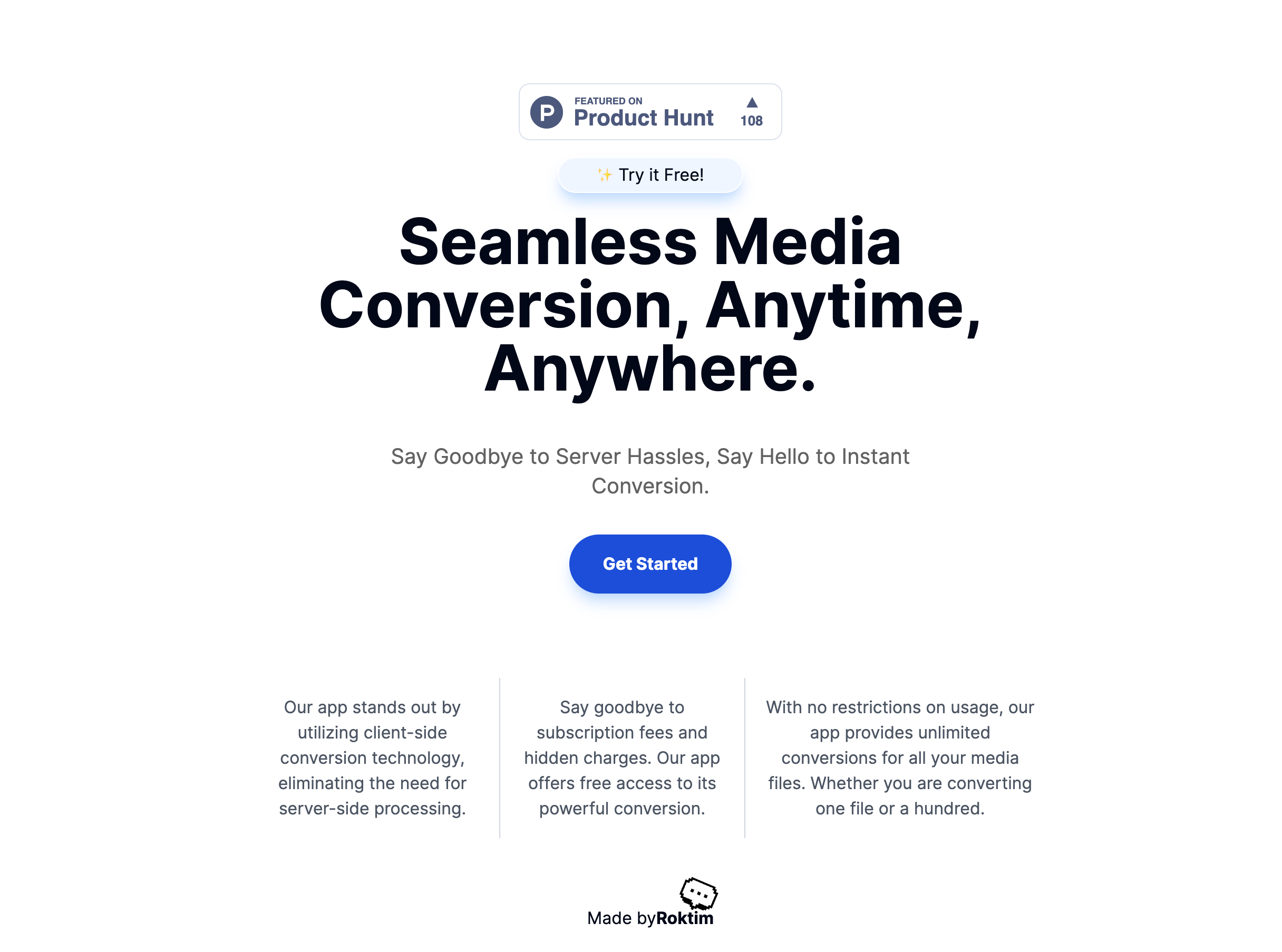
*完全免费,收藏起来,总会用上的!*
### [2. emoji-picker-element](https://github.com/nolanlawson/emoji-picker-element) - 轻量级表情符号选择器
`web component` 组件。
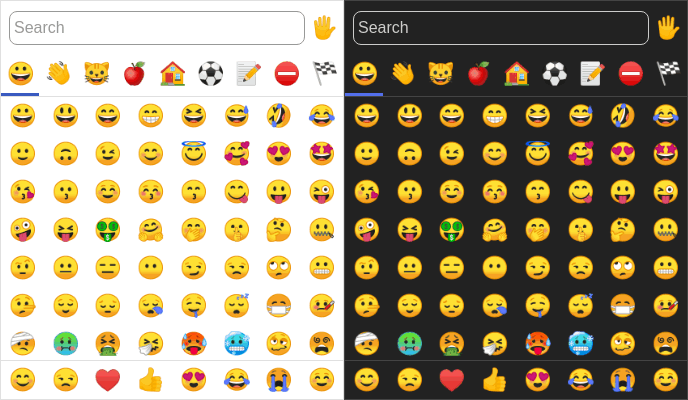
2 步搞定。
```js
import 'emoji-picker-element'
```
```html
```
## 🔧开源工具&技术资讯
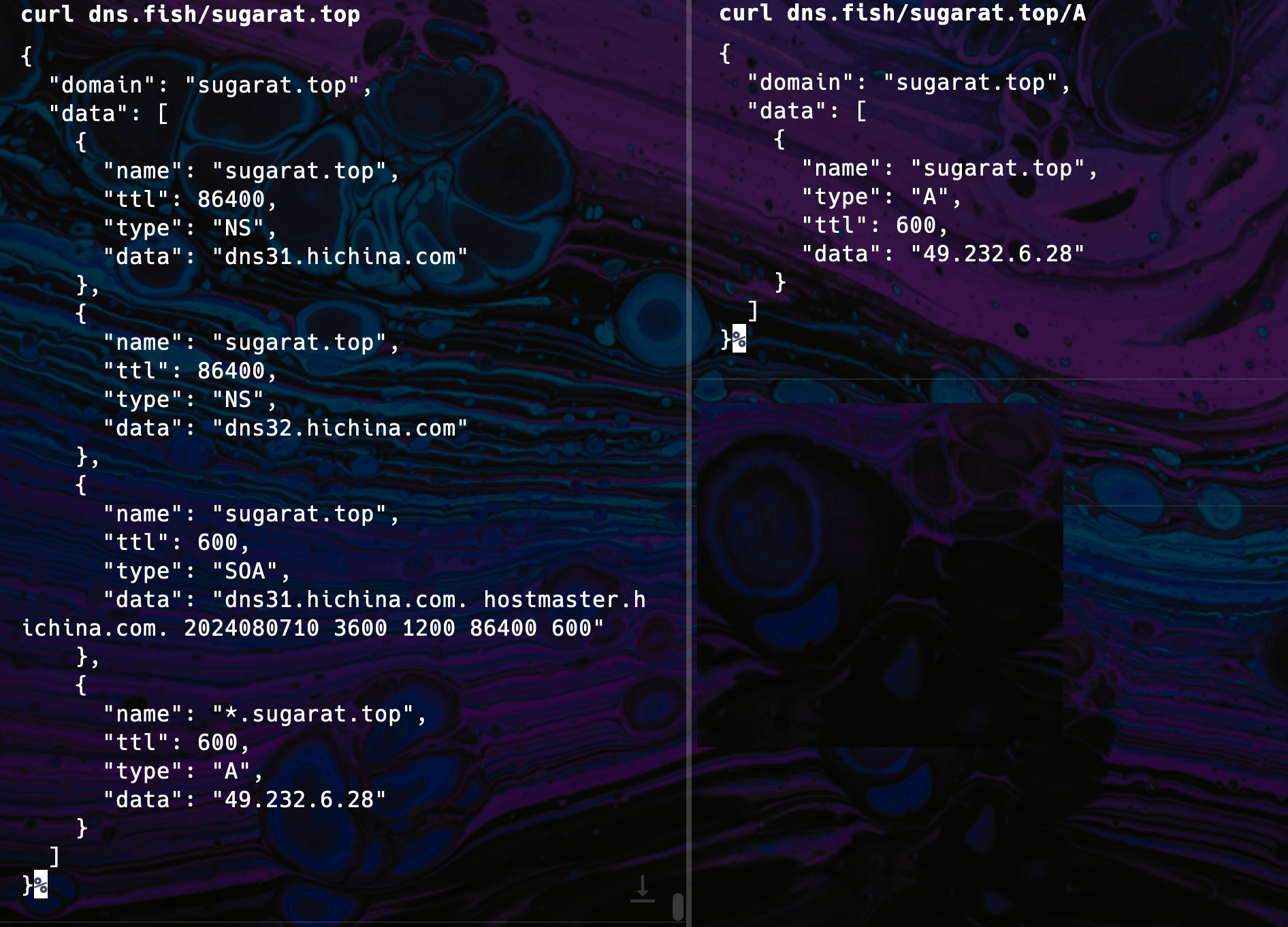
### [3. DNS.fish](https://dns.fish/) - DNS 查询API
挺方便的,随手拿来查域名的 IP。
```sh
# 获取所有记录
curl dns.fish/DOMAIN
# 获取指定类型的记录(A, AAAA, MX 等)
curl dns.fish/DOMAIN/TYPE
```
### [4. remote-storage](https://github.com/FrigadeHQ/remote-storage) - 多设备LocalStorage同步
依赖于服务器同步数据,需要单独部署。
```js
import { RemoteStorage } from 'remote-storage'
const remoteStorage = new RemoteStorage({ userId: 'my-user-id' })
const hasSeenNewFeature = await remoteStorage.getItem('hasSeenNewFeature')
if (!hasSeenNewFeature) {
await remoteStorage.setItem('hasSeenNewFeature', true)
// Highlight your new and exciting feature!
}
```
### [5. json2csv](https://github.com/coston/json-to-csv-export) - 自动将 JSON 转换为 CSV 下载
```js
import jsonToCsvExport from 'json-to-csv-export'
jsonToCsvExport(jsonData, 'csvFileName.csv')
```
### [6. Whirl](https://whirl.netlify.app/) - CSS loading 库
包含许多独特的动画。
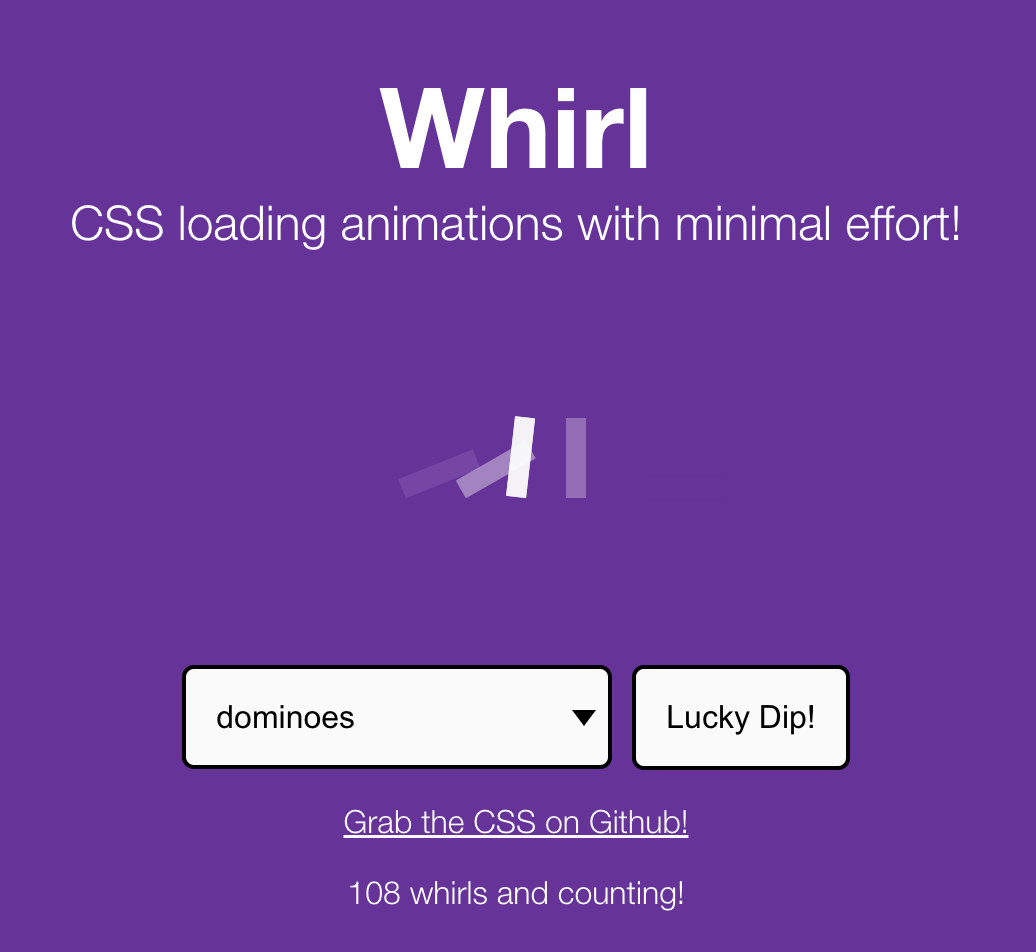
*值得收藏!*
## 📚教程&文章
### [7. 视频:CSS 创建 3D 场景和对象](https://www.youtube.com/watch?v=dgEHpkm0xTI)
3D 场景 → 对象 → 鸡。
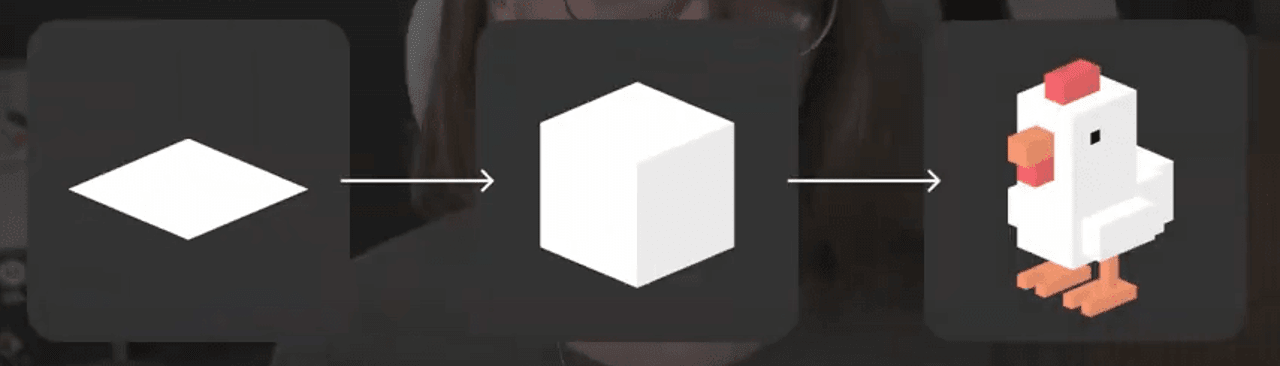
*cool!*
### [8. 页面级可视动画 View Transitions API](https://www.zhangxinxu.com/wordpress/2024/08/view-transitions-api/)
比如一个图片淡入效果,只需套一下。
```js
document.startViewTransition(() => {
const img = new Image()
img.src = src
$containerEl.append(img)
})
```
可以通过`view-transition-name`属性设置元素的名称,配合如下4个伪元素实现复杂动画。
* `::view-transition-group(name)`:单个视图过渡的根元素。
* `::view-transition-image-pair(name)`:视图过渡的旧视图和新视图的容器——过渡前和过渡后。
* `::view-transition-old(name)`:转换前的旧视图的静态屏幕截图。
* `::view-transition-new(name)`:转换后的新视图的实时表示。
看一个示例:实现一个图片列表,新增图片的缩放效果。
```css
img:last-child {
view-transition-name: wooo;
}
::view-transition-new(wooo) {
animation: scaleUp 1s;
}
@keyframes scaleUp {
from {
transform: scale(0.1);
}
to {
transform: scale(1);
}
}
```
> 适合复杂的页面级别的场景切换动画。
## 😛趣图

## ⭐️强力推荐关注
> 周刊部分内容来源如下渠道,推荐大家关注。
* [阮一峰: 科技爱好者周刊](https://www.ruanyifeng.com/blog/archives.html) - 记录每周值得分享的科技内容,周五发布
* [云谦:MDH 前端周刊](https://sorrycc.com/mdh/) - 前端资讯和分享
* [童欧巴:前端食堂](https://github.com/Geekhyt/weekly) - 你的前端食堂,吃好每一顿饭
* [前端 RSS](https://fed.chanceyu.com/) - 根据 RSS 订阅源抓取最新前端技术文章
* [值得一读技术博客](https://daily-blog.chlinlearn.top/) - 每天进步一点点,每天分享有料的技术文章!
* [FRE123 技术周刊精选](https://www.fre321.com/weekly) - 技术周刊精选推荐信息流